
Program Updates
When your software or HMI is connected to a JagNodeSystem, this system will help keep your software/HMI up to date. Please note that updates are not installed automatically. The user must initiate these updates manually.
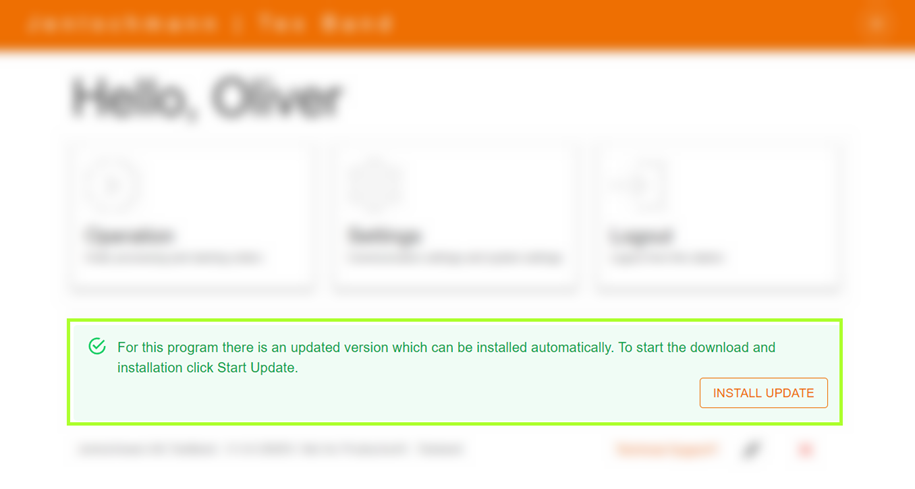
On the main screen of your software or HMI, you will find a notification about available updates in the lower area. Clicking the "Install Update" button will start the update process.
Before starting any update, a backup is automatically created to secure your data. Depending on your internet/network connection and device properties, the update process may take several minutes. Once the update process is successfully completed, the software/HMI will close automatically. You must then manually restart the software/HMI by clicking on the corresponding desktop icon. It is important to perform regular updates to ensure that your software/HMI remains up to date and secure.