
Open Technician Menu
To access the technician menu, please follow the steps listed below. This menu is exclusively intended for trained technicians and operators. Incorrect settings can damage or render the system unusable.
Log in to the machine or program with your known user credentials.
TIP
In case of a first-time login, when no user account has been created yet, log in with the default user root and password 1234.
Opening
Navigate to the bottom screen area and click at least four times on the displayed version number. The menu will then open automatically. 
Password Entry
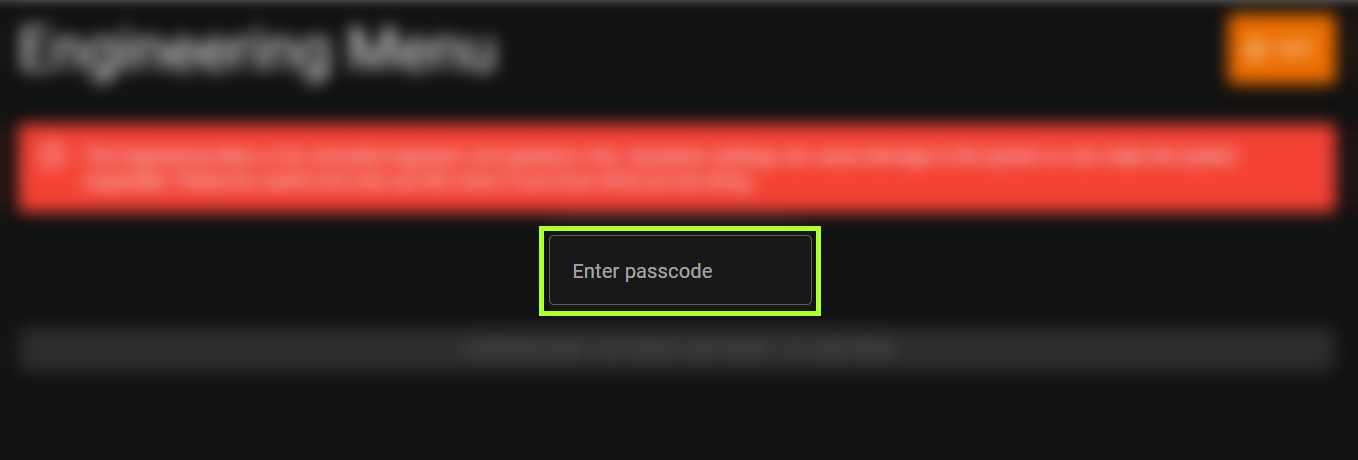
WARNING
The technician menu is only intended for trained technicians and operators. Improper settings can lead to damage to the system or render it non-functional. Please be careful and only use this menu if you know what you are doing.
Enter the password 8194 and confirm the entry to fully open the menu. After successful password entry, you will gain access to the technician menu. Make sure you are familiar with the functions and settings before making any changes.