
Close / Shutdown
To close the application, please click on the red X. You can find it in the main menu or on the login screen, at the bottom right. If you only want to minimize the application, use the minimize icon located right next to the red X.
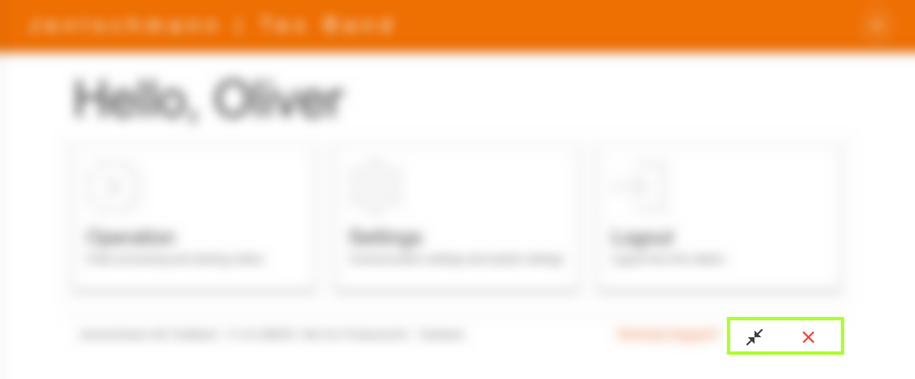
When you click on the red X, a dialog window appears. This offers you two options: You can either close the application or shut down the computer.
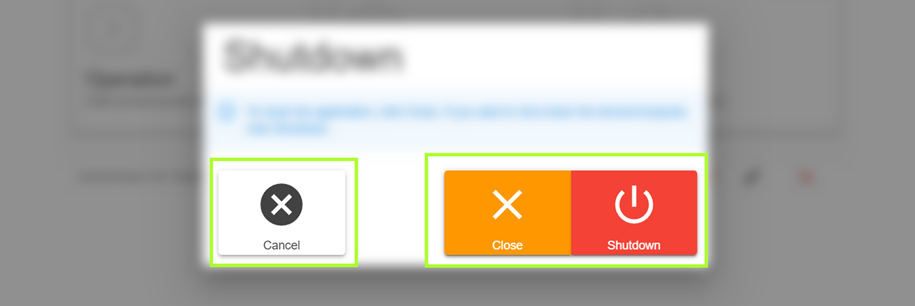
To close the application while keeping the computer running, please press the orange button. If you want to completely shut down the computer, use the red button.
:::note Please note that when selecting either of these options, no further confirmation prompt will appear. Therefore, make your decision consciously. :::