
Language / Design
The settings for language and design can be adjusted in the user menu. The user menu is located in the top right corner of the main screen and can be accessed by clicking on your letter.
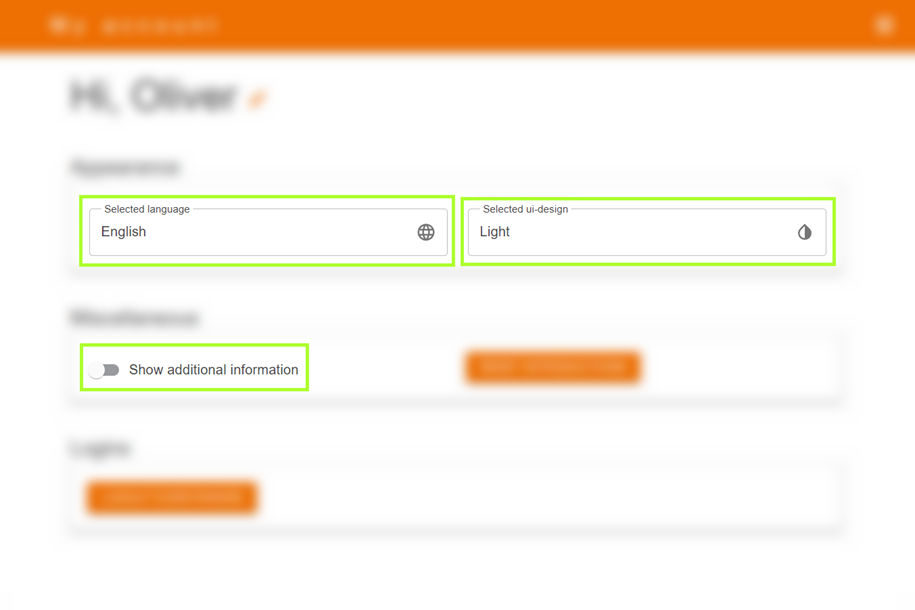
In the user menu, you have the option to change the language or UI design. Once you have made the desired change, the software/HMI will be adjusted accordingly. If you want to display additional background information (normally only used by support or for testing), you can activate this via the toggle Show Advanced Information (see green marking).