
Login
The machine's software supports setting up different user accounts with varying permissions to ensure differentiated access control. Logging into the machine is done by entering user- or machine-specific usernames and passwords.
Jag-Node System
When the software or Human-Machine Interface (HMI) is connected to a Jag-Node system, user management is centrally handled through this system. This means:
- User Login: User authentication is processed through the Jag-Node system.
- Rights Management: The assignment and management of user rights are also handled through the Jag-Node system.
Stand-Alone Software/HMI
When using the software or HMI as a stand-alone system, user data and their rights are stored locally on the device. By default, the software/HMI includes two predefined user accounts:
Standard User: - Username: Nutzer - Password: 1234 - This account has basic access rights for general machine operation.
Supervisor User: - Username: Service - Password: 4711 - The supervisor account has extended rights for maintenance and service tasks.
INFO
Users have the ability to change the default usernames and passwords according to their preferences to enhance system security and personalization. It is recommended to choose strong passwords to prevent unauthorized access to the machine.
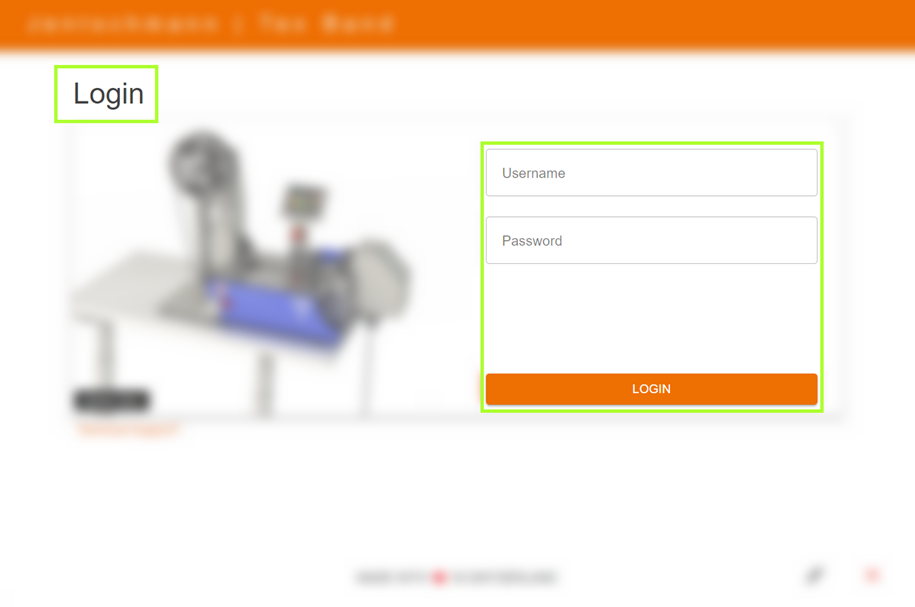
Authentication and system access are achieved either by entering a username and password or, if available, by using an access card. Follow these steps to log in successfully:
Login with Username and Password
- Enter Username: Enter your username in the designated input field.
- Enter Password: Enter your password in the designated field.
- Verify Entries: Ensure that username and password are entered correctly.
- Complete Login: Click the "Login" button or press the enter key on your keyboard.
Login with Access Card (Optional)
- Check Card Reader: Ensure your device is equipped with a functioning card reader if this option is activated.
- Prepare Access Card: Have your access card ready.
- Read Card: Place the access card on the card reader.
- Automatic Detection: The system automatically recognizes the card and performs the login process.
Authentication
After entering your login credentials (username and password) or placing the access card, the system verifies your permissions to confirm authenticity.
Successful Login
With correct login credentials, access to the program is granted, and you will be directed to the main user interface.
Failed Login
If login problems occur:
- Error Message: You will receive a notification for incorrect login credentials.
- Data Verification: Double-check the username and password entry.
- Access Card Position: Verify the correct placement of the access card on the card reader.
- Further Support: For persistent login issues, please contact the administrator or technical support for further assistance.