
Order Import - General
The machine supports importing order information through various interfaces to increase efficiency and accuracy in the production process. By importing orders, the machine can automatically adjust the position of the movable clamp and preselect the corresponding program. The following explains how orders can be loaded via the different available interfaces.
Interface Overview The machine currently offers two different interfaces for loading orders. Each interface varies in terms of the exchange procedure and the data contained:
- File-based The order data is stored in a file.
- Barcode-based The order data is encoded in a barcode.
Order Capture
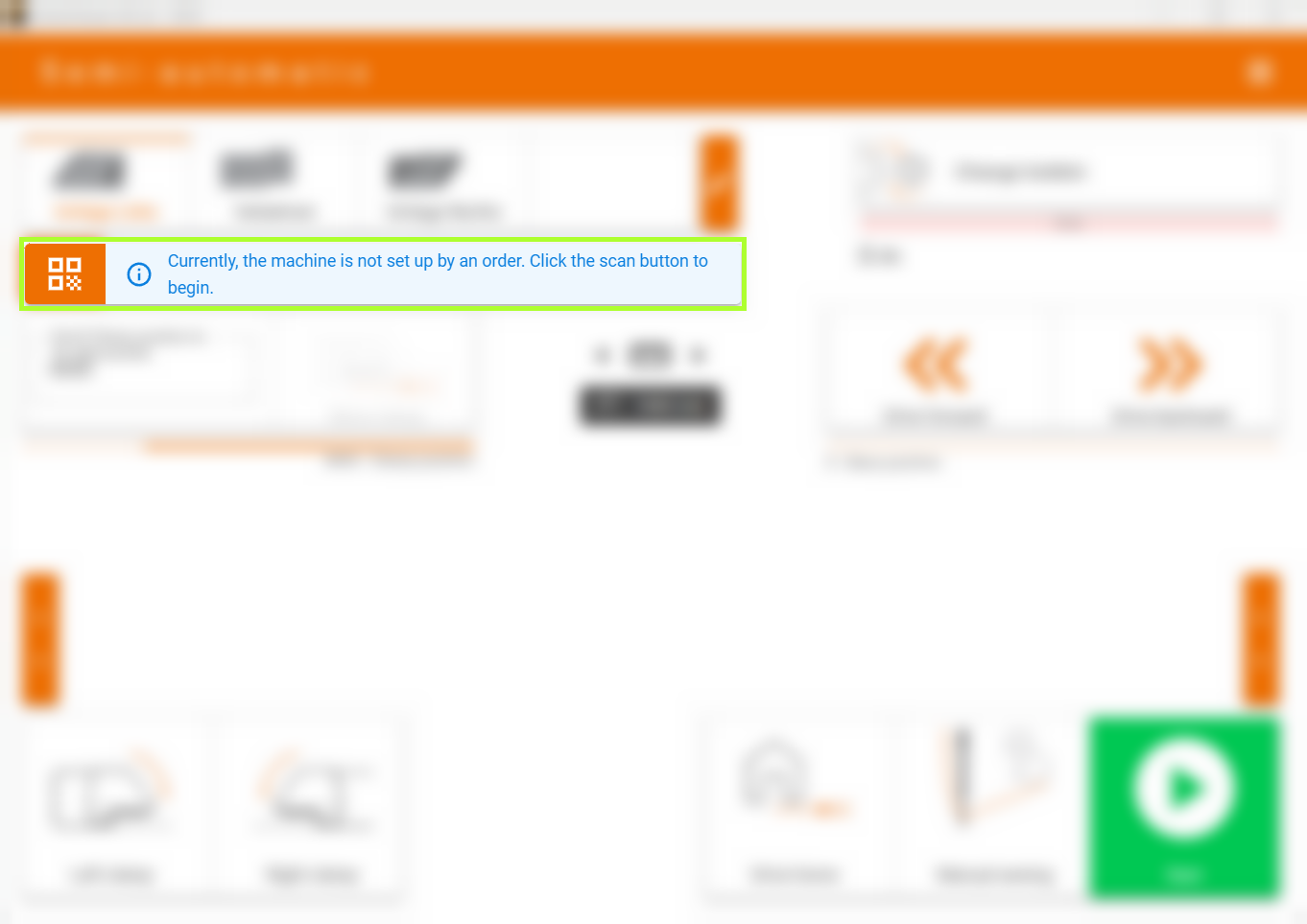
To load an order via barcode, select the Scan Barcode option. A dialog window opens, giving you the option to scan the barcode or enter it manually. Typically, the text field is automatically focused, allowing you to directly scan the barcode or enter the data without having to click the field first.
How to Scan
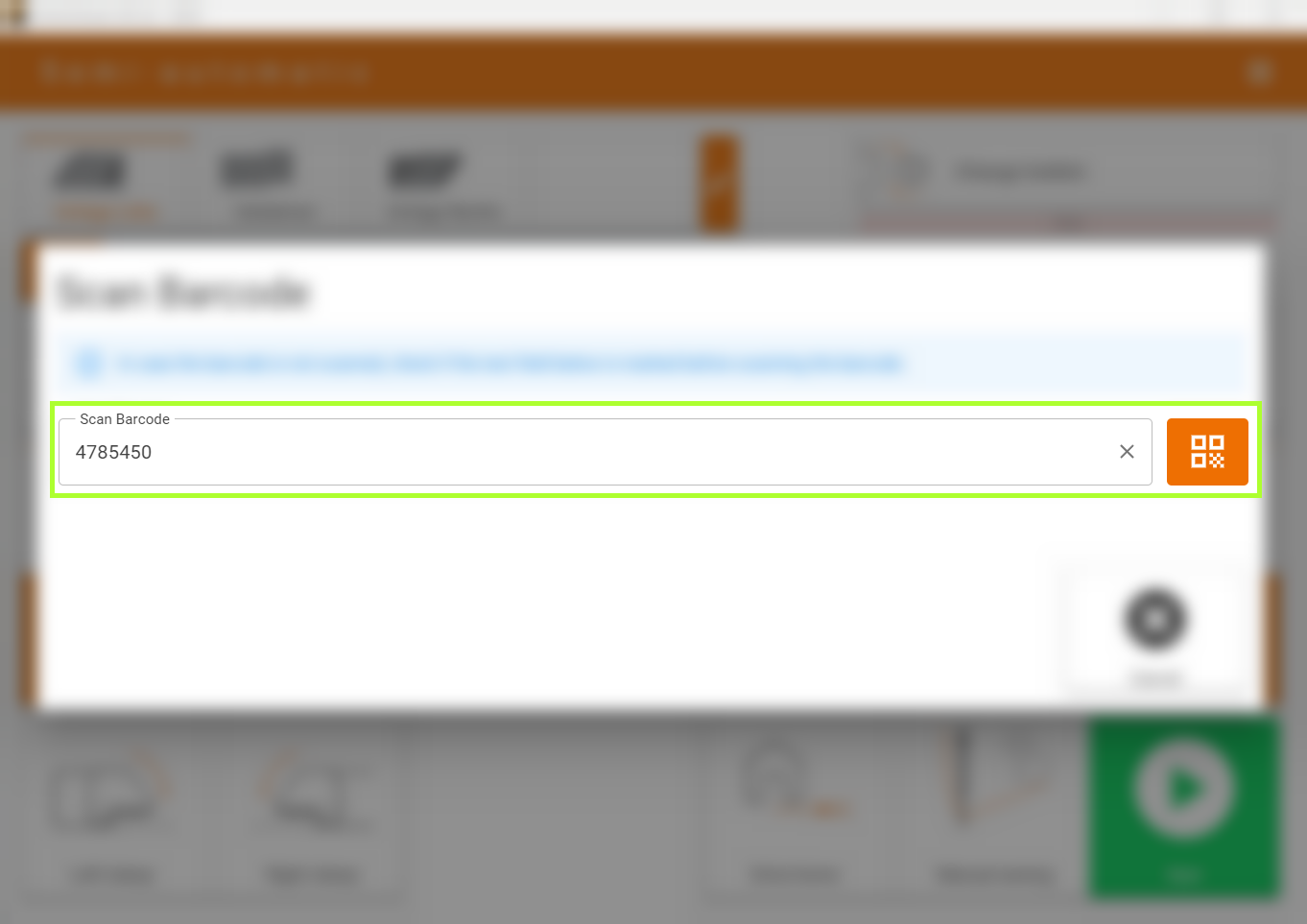
When scanning the barcode, ensure that the scanner is correctly configured. If incorrect characters are detected, this could be due to a different country setting of the scanner compared to the computer. In this case, check the scanner settings and try again.
INFO
Most barcode scanners can be configured using configuration barcodes. Consult your scanner's manual to find the appropriate configuration barcodes for your language and scanner.
Error Handling
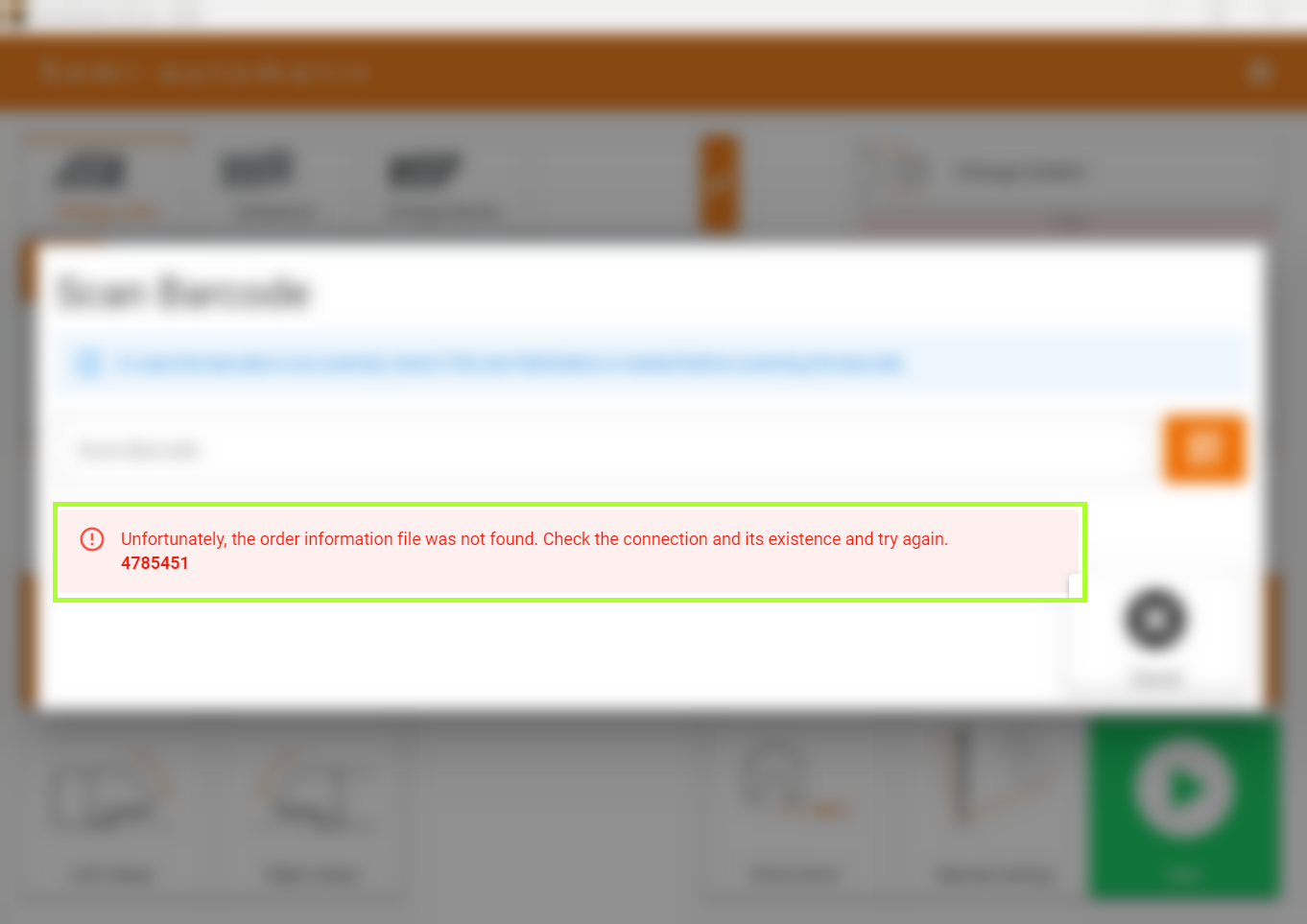
If the scanning process or loading of the order file fails, an error message will be displayed. This includes the scanned barcode at the end to quickly identify possible scanning errors.
Confirmation
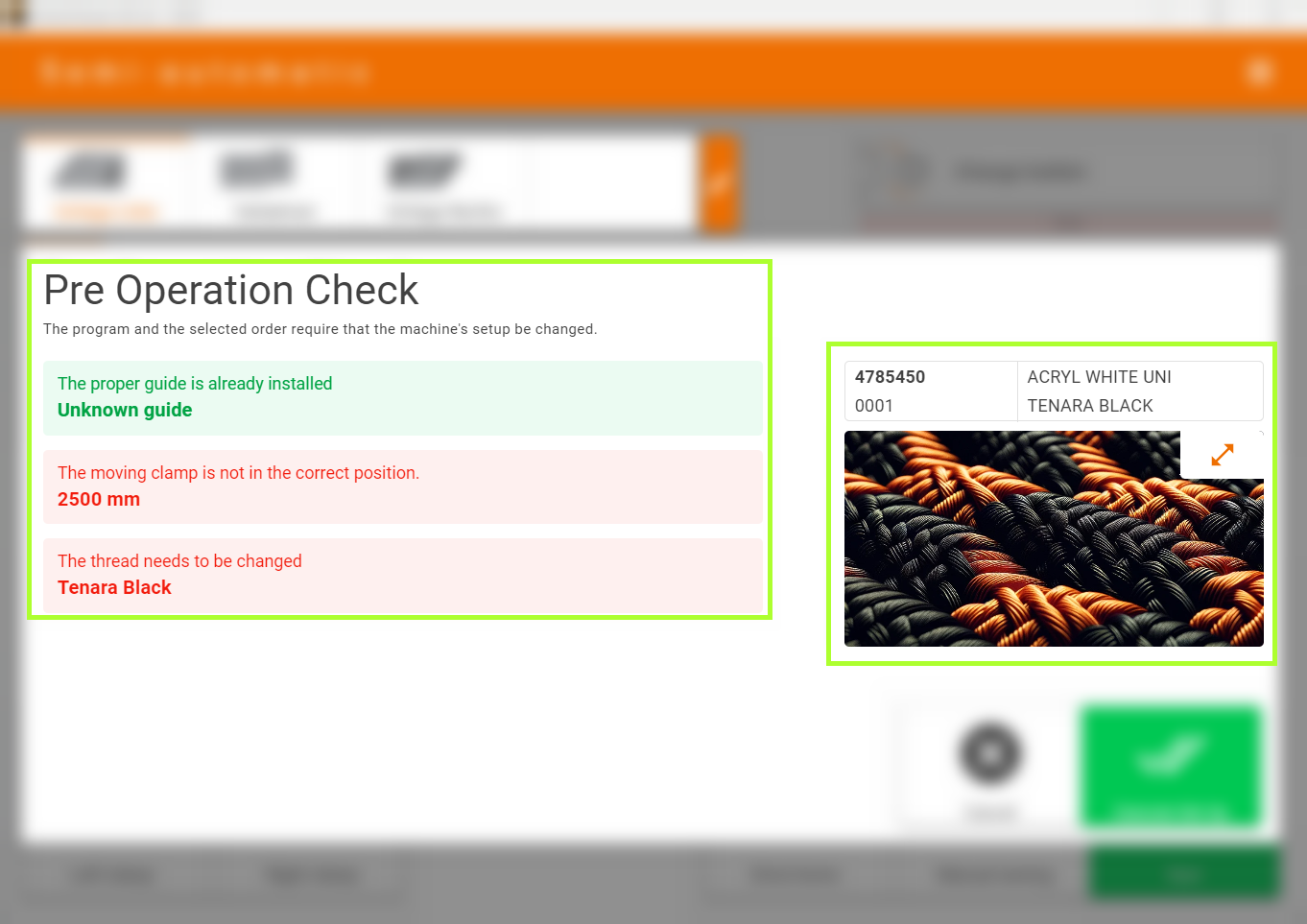
After successful scanning or loading of the order file, a dialog window appears showing the order information and necessary adjustments to the machine. Attachments such as the volant cutter or movable clamp are automatically moved to the required position once the process is confirmed with the green button.
Display of Order Data
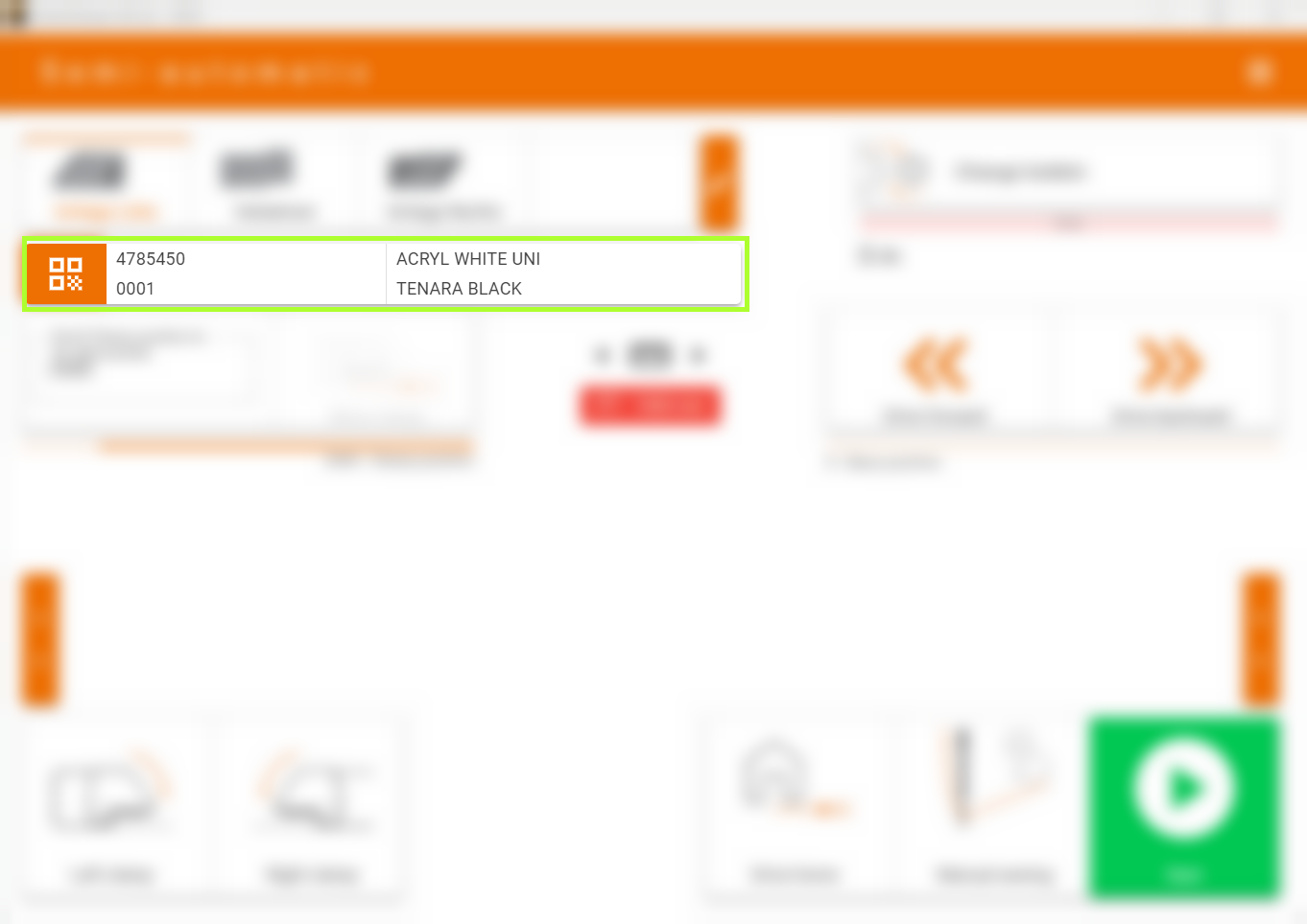
In the semi-automatic operating interface of the machine, the most recently scanned order data is displayed, giving you a constant overview of the current order. By following these instructions, you can efficiently and accurately import orders into the machine to ensure smooth production operations.