
Logout
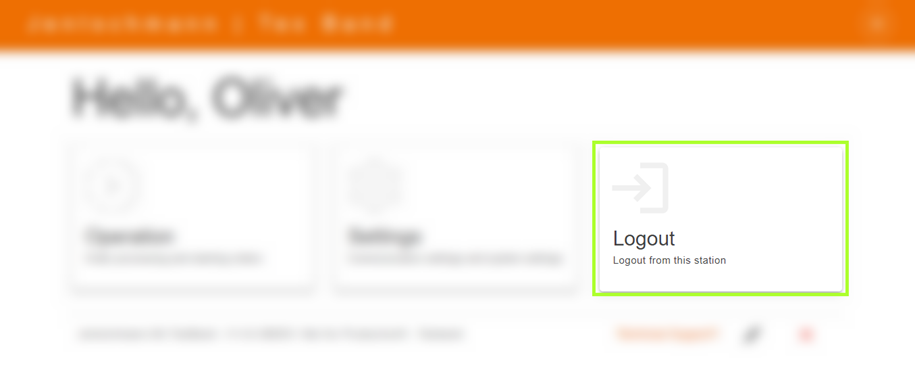
To end your session in the software/HMI, navigate to the main menu and select the Logout button. Clicking on it will close the current session and automatically redirect you to the login page.
If you are using a JAG-Node installation and wish to log out from all software applications/HMI simultaneously, this option is also available to you. You can find this function in your user menu.
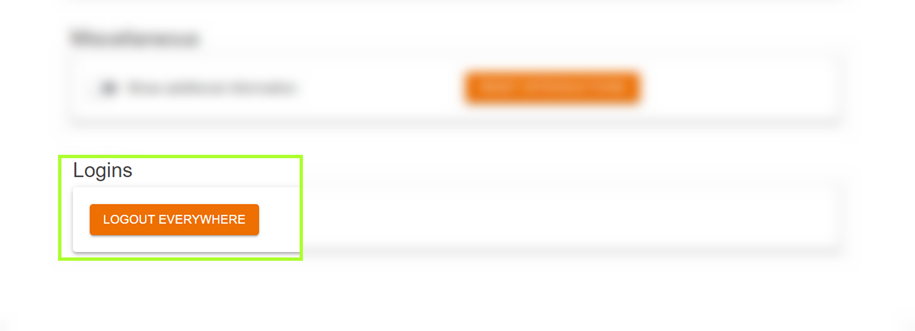
To initiate the global logout, click on the "Logout Everywhere" option. Once this is done, the software/HMI from which you just logged out will redirect you to the login page. Regarding all other software applications/HMI where you were logged in, a notification will be displayed. This notification informs you that your session has been terminated and that you need to log in again.