
Getting Started
Start by connecting your computer to the power supply. If the computer is part of a machine, please first activate the main switch of the respective machine.
By default, our computers start automatically. If for any reason this does not happen, you have the option to initiate the startup process manually using the power button. Please note that this function is not available on all models.
When the computer starts, the Windows logo will appear on your screen. If your computer is configured with default settings, a user will be automatically logged in after startup. Our devices typically come with a user account named "Administrator" or "User". The corresponding password is "1".
INFO
Our devices come by default with a user account named Administrator or User. The corresponding password is 1
Once the desktop appears on the screen, the software designated for the computer will start automatically. Please note that this may take a moment depending on the application and computer model.
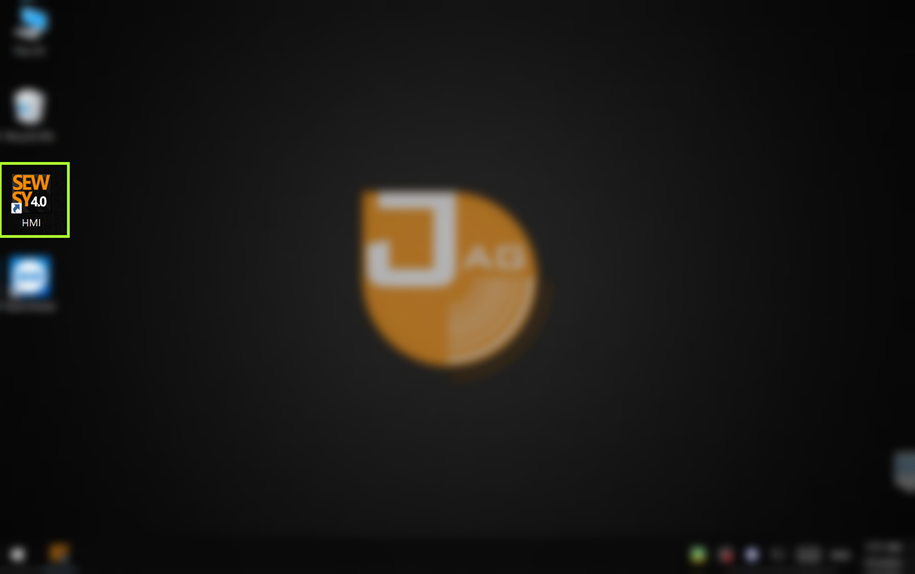
If the application does not start automatically as expected, you can start it manually by double-clicking on the corresponding icon on the desktop. The icon may vary depending on the machine/software.